
Inside Versur: Studio Memory, Agent-Built Workflows, and Deployable Units of Intelligence
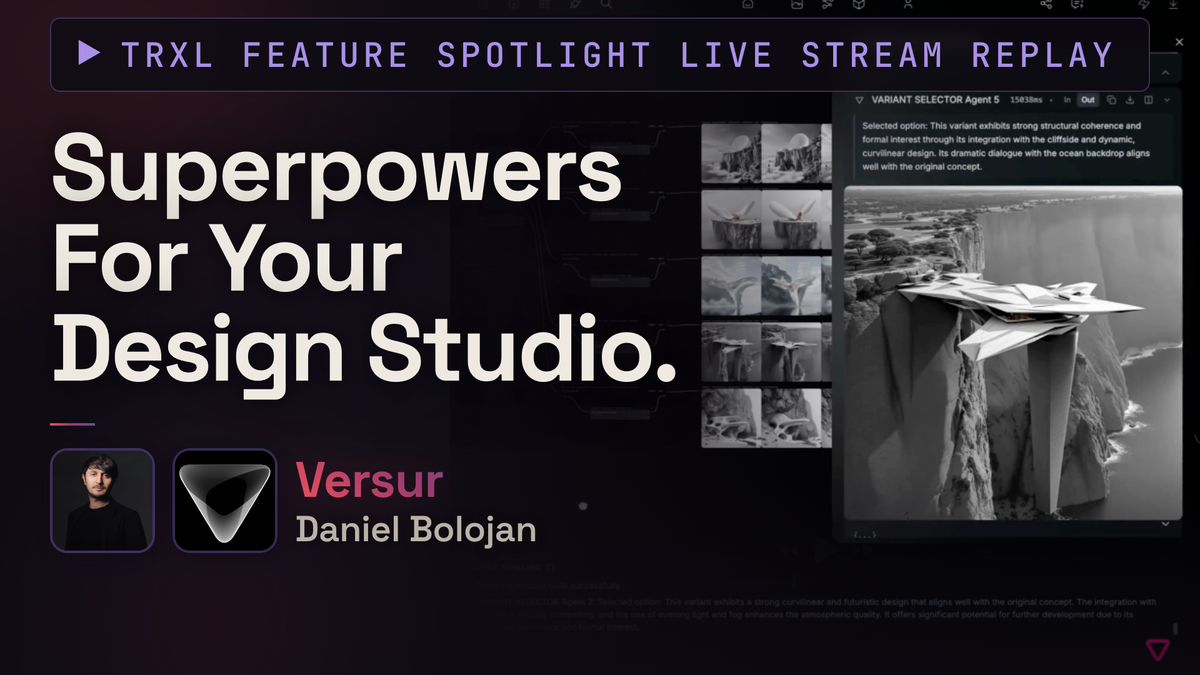
The Feature Spotlight format is simple. No slides. No pitch deck. Someone who knows a tool inside and out joins me on a live stream and shows me what it actually does, and I react to it as a practitioner who spent years in the middle of these workflows. There's also the extra pressure of doing this live in public that contributes to making it interesting.
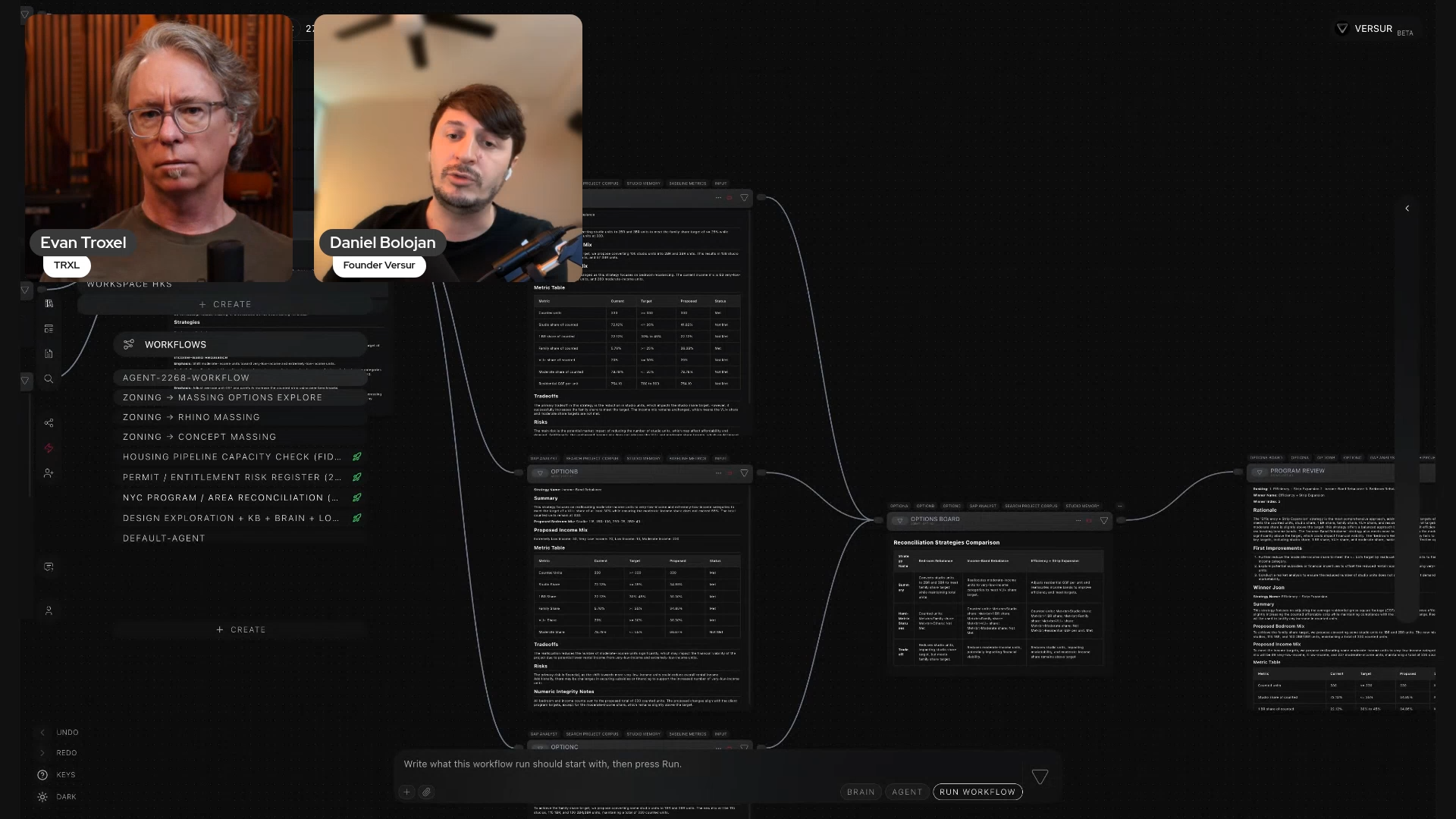
On Thursday I did one with Daniel Bolojan, founder of Versur, and he showed his generative AI platform for architects and designers. Before Versur, Daniel was building applications and neural networks for Coop Himmelb(l)au, and that experience shows up all over the product. He walked me through three things: Versur Brain, Versur Agent, and Versur Studio. He ordered them that way on purpose, because each one sits on top of the last.
I wanted to see this because a lot of AI demos in AEC start and end at image generation. This one started somewhere else entirely.
TL;DR go watch the video here.
Versur Brain: the studio's memory, not just its files
Every practice has a memory. The problem is where it lives: inboxes, files, boards, threads, and people's heads. The next project, the next teammate, and now the next agent can't reach any of it. Context resets every time you start something new.
Versur Brain is Daniel's answer. He described it as what the practice knows and what it decides. Project decisions, meeting notes, and people, all linked together, including who was in the room, what got decided, who owns what, and what depends on what.
He asked it a deliberately broad question when we were live: where are the conflicts between the brief and the last meeting? It took a moment to search, then came back with a summary of the conflicts plus citations pointing at exactly which documents and which projects they came from. Click through, verify, amend.
Getting data into Versur works three ways. Upload files manually, type notes in directly, or connect an integration. He showed Outlook, Gmail, Google Drive, OneDrive, Microsoft Teams, Miro, and social media in the list, then pulled a file straight out of a connected Drive account and indexed it on camera. You can bring in a single file or a whole folder. The Brain is multimodal across text, images, video, and audio. IFC and other BIM model formats aren't there yet; Daniel said they're working on it.
The part that got my attention was what's happening underneath. Versur builds a graph of relationships across everything you ingest, so a query walks the graph instead of asking a language model to read every file every time. That's a cost and efficiency decision as much as an accuracy one.
Then there's dream mode. You schedule it, typically overnight, and the Brain goes back over everything it has ingested looking for incomplete information, contradictions, and conflicts. Meeting notes from yesterday that disagree with meeting notes from today get flagged. You show up in the morning with a list of things to look at. I pointed out on the stream that this lines up nicely with token allotments you're already paying for and not using at 2am.
It also tracks how decisions progressed. Daniel pulled up a decision on a project and showed the iterations behind it, what changed and when, so you have a record you can verify.
This was a text-heavy stretch of the demo, and I said so. But this is the information the business actually runs on. It's where the risk lives for a lot of roles on a project, and it's what has to make it into the contract documents.
I think it’s worth noting that you can still use all of your regular tools, and Versur is designed to just sit underneath all of them and make sense of the scatter. To me, that actually sounds like a digestible path forward for busy architects.
Versur Agent: describe the workflow, then interrogate it
The second feature builds workflows for you. You describe what you want in plain language, and the agent plans it and generates it. You can also ask it what an existing workflow does, or ask it to debug one that's throwing an error.
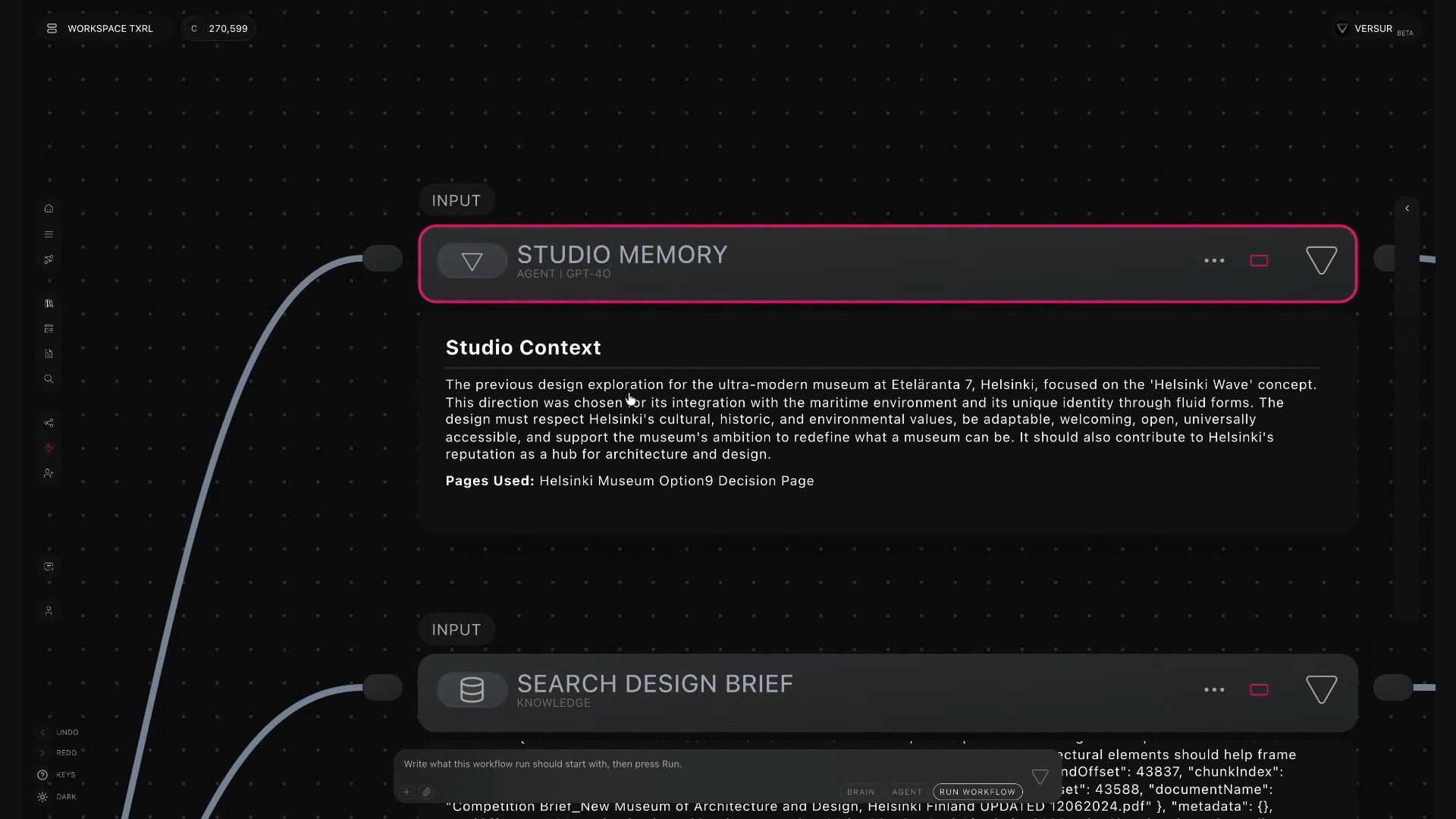
Daniel ran a real prompt live: build a design exploration workflow for architectural computation, connect the knowledge bases, use studio memory and past decisions, run a zoning feasibility check on an address, then propose directions of exploration. The agent laid out its objectives first, then started building.
What came out looks like a Grasshopper graph, and that's the important part. When using an LLM and a prompt gives you a bad result, fixing it is miserable, and that's where people burn their time. Here the logic is broken into components. You select one component and ask the agent to work on just that one. You don't redo anything from scratch.
Because the agent is connected to the Brain, the workflows it writes already carry the studio's language and standards. Ask for a museum, and it looks up how this office approached museums before, which decisions got made, which directions they prefer. Ask for a tower with no tower in the Brain, and it falls back to the design directions this office generally follows.
The full workflow he showed ran studio memory into a brief interpreter, added a site summary and zoning research from a real address, proposed three options, ran them through a design reviewer against the brief, then into a refiner, a generator, and a quality check with metrics you define yourself. If the output misses the criteria, it loops and improves. Daniel compared the reviewer and generator pairing to a GAN, a discriminator and a generator pushing on each other. He made a good argument for why self-reflection matters: a model's first response is just its first try. Without a mechanism to evaluate the output against criteria and go again, you don't have a smart system, you have pattern matching.
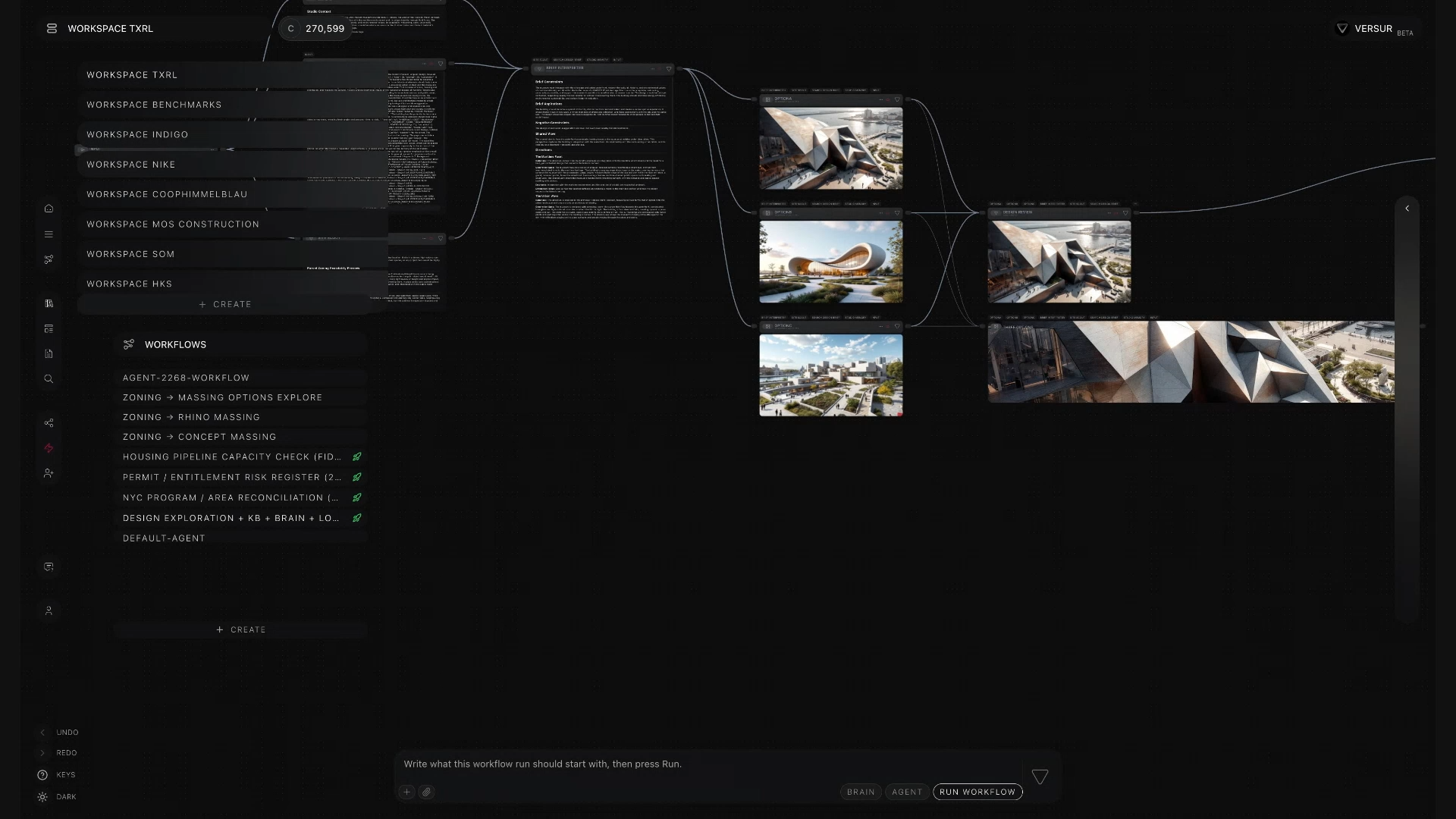
It doesn't stop at concept. He described area reconciliation, permits, and code compliance in the loop, including a workflow where a generated floor plan came back with two rooms that had no doors. He asked it to evaluate the plan against code compliance and architectural standards, and it found the missing doors itself. He also has clients running zoning analysis into massing and setbacks and pushing the result into Rhino.
Rigor is a dial. Conceptual design gets a loose feasibility pass. Schematic design and DD get a strict one. You build the workflow to match the phase.
Versur Studios: deploying a unit of intelligence to the people who need it
A practice isn't one team with one workflow. The competition team needs exploration. Management needs hard data. Delivery needs quality control. Put every workflow in one interface and the good ones get buried.
Studios are sub-pages you publish to specific teams. Daniel created one live and named it TRXL Studio, which I enjoyed more than I should have. For those concerned with governance (you should be) access can be shared publicly with a link, or it can be password protected, or it can be restricted to email addresses from a specific organization. He then deployed a zoning and concept massing workflow into it, refreshed, and there it was at the bottom of a plain chat interface. Nobody using it has to look at or understand or install the grasshopper-looking graph.
That solves a real problem he hit at Coop Himmelb(l)au: hand a senior architect a node graph and they're out. So the shape here is a couple of super users building the intelligence, everyone else calling it from a chat box.
I said on the stream that the opportunity is those two people in a room together. The computational designer who understands systems thinking, and the senior architect who knows how the process actually works and why. It takes both.
Practical notes
- Data governance is a real choice, not a checkbox. Versur Bridge connects the web app to language models running on your own machine if you prefer that over foundation models, so studio data doesn't go to a third party model unless you decide it should.
- Daniel's concern about skills is worth hearing. When you write out your standard operating procedures and hand them to a hosted model, you've given away how your practice solves problems. He isn't bashing anyone. He wants the option to exist.
- Four modalities today: text, images, video, audio. IFC and BIM models are in development.
- The graph is the efficiency story. Relational structure means queries don't re-read every file, which is what makes constant context affordable.
- Success criteria are yours to define. Quality check nodes evaluate against metrics you write.
- The brain can connect anywhere in a workflow, not just at the end, if there are insights worth capturing mid-process.
We closed on the idea of compounding. Informal knowledge lives in people's heads, and when a person leaves, it's gone. Data is usually the outcome of decisions, not the decision-making process, and the "why did we decide that" is the part nobody captures. This is a way to capture it. The best time to start was yesterday, which isn't available. So it's now.
Where to see it
Watch the full Versur Feature Spotlight here.
Head over to versur.ai to see the platform.
If you want to catch future Feature Spotlights, sign up for a free membership here at TRXL and I'll email you when the next one goes live.
Thanks to Daniel Bolojan for a genuinely great walkthrough.